
Answer from any device on any site
Today: no fixed office for a phone system to live in.
Calls, messages, and scheduling work from a browser, wherever the chair happens to be that day.

Thu 10:00 AM. The route and the provider’s day updated together.
View the routeA mobile practice has no room for a phone on a desk. The team is in a van, a school, or a care home, often mid-treatment, and the number patients call has to reach someone who can actually help without anyone sitting in an office.
What the phone costs a practice like this today, and what stands in its place once DenteCure is answering.
Today: no fixed office for a phone system to live in.
Today: coverage changes with the route every week.
Today: patients call a number that rings in an empty room.
Any laptop or phone becomes the practice line, so coverage does not depend on being at a particular desk.
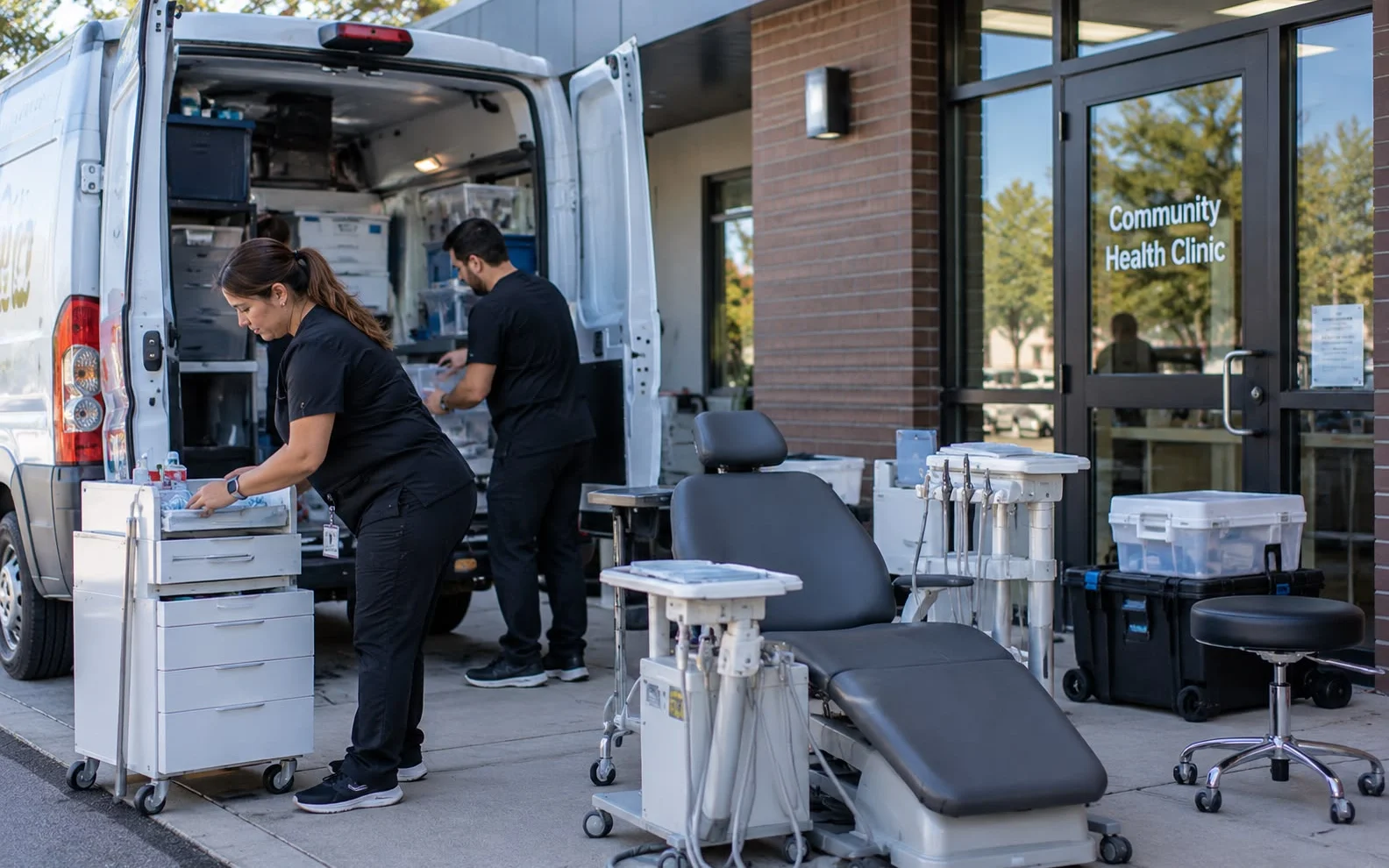
Where calls go changes with the day and the site, rather than assuming somebody is always in the same place.
When the whole team is gloved up, Nia answers, books, and escalates only what genuinely needs a person.
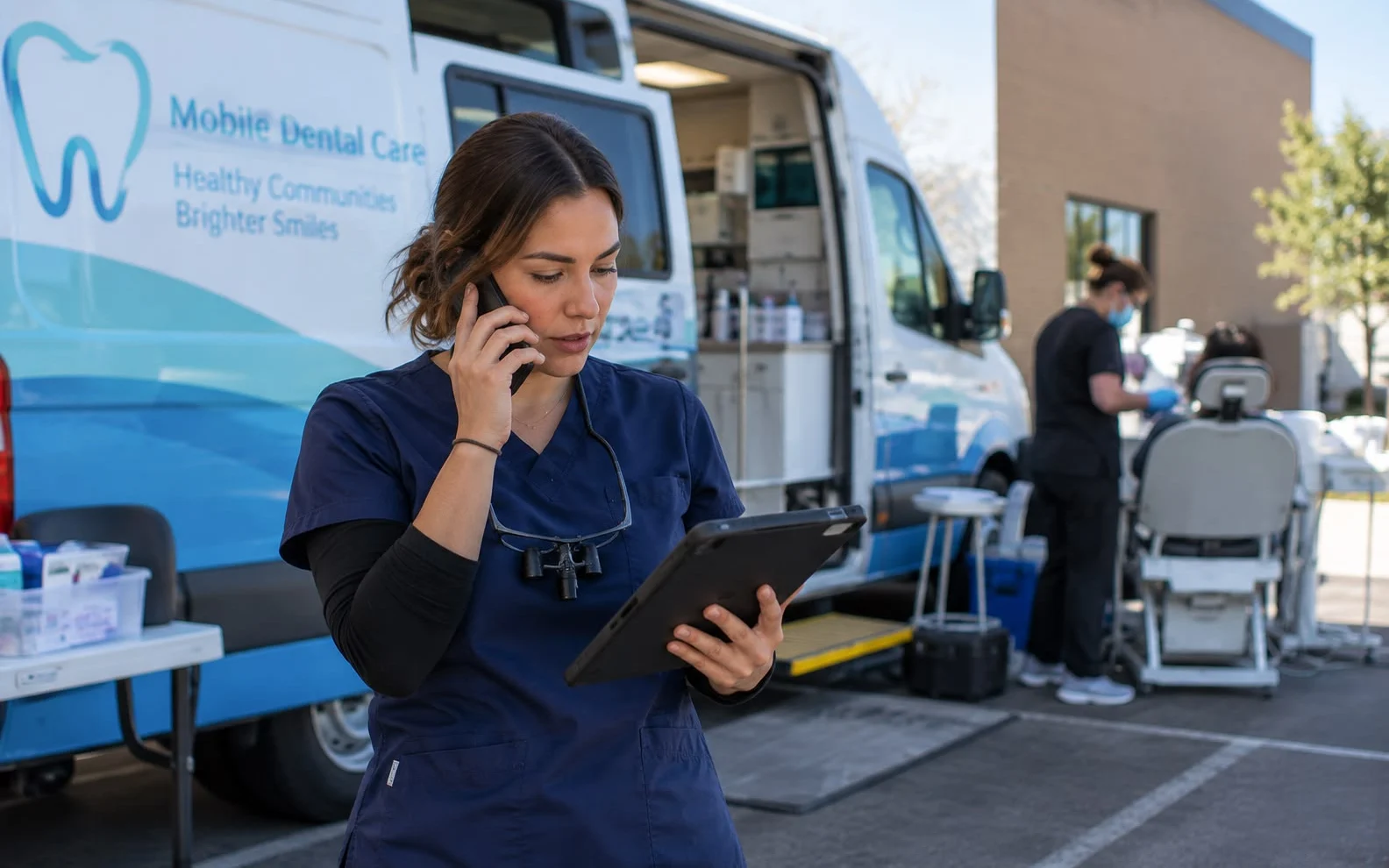
Transcripts, tasks and follow-ups sync wherever the team logs in next, so nothing waits for a return to base.
Nia Thanks for calling. How can I help?
Avery My tooth is sore after yesterday.
Nia I have booked a check for Friday at 9:00.
No. The system runs in a browser, so a laptop or phone is enough. Desk handsets are supported if you want them at a base office.
Calls route to the AI receptionist or to a nominated fallback, so the caller still reaches something useful rather than a dead line.
Yes. Business hours and routing are configurable per day and per location, which is usually how a mobile schedule actually works.
Calls, messages, and scheduling work from a browser, wherever the chair happens to be that day.
Book a demo